Dreamville RP Guides
From the tutorial to a house, a car, kids, and pets — without a fake code list.
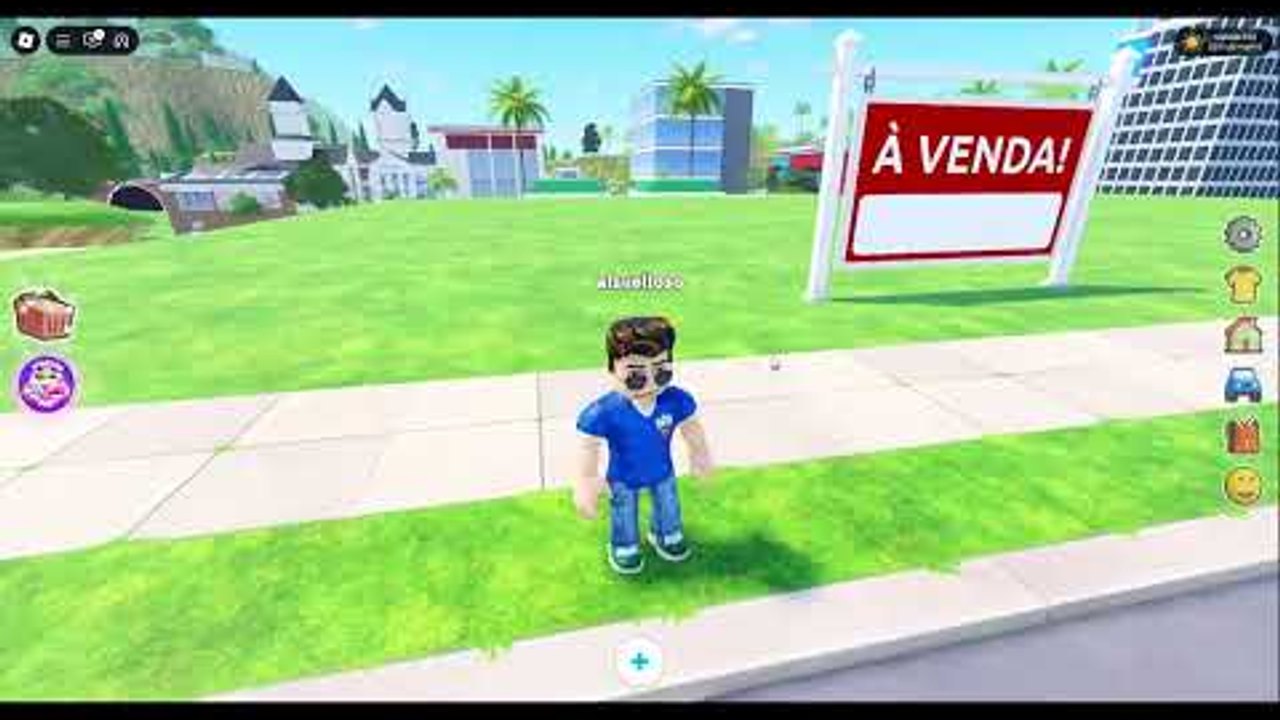
Dreamville RP is an open-ended Roblox life roleplay. There is no campaign clear, no power ranking, and no reason to rush a mansion pass on day one. These guides follow the order a new account actually needs: spawn, look, free home, vehicle, then family or hangout. Every page links to siblings in this hub so you can jump without going back to search.
Start here if you have not finished a single session. Jump to houses if you already know the phone menu and only want a layout. Use pets and family after the October 2026 systems are in your build. Controls and map sit at the end for players who are stuck on a button or a building name.
First hour
The Getting Started guide is the onboarding path. Finish the opening tutorial, set outfit and age, claim a like-milestone house, spawn a car, and join the same 25-player server as a friend. It also explains why the codes hub is empty and why likes on the Roblox page matter more than a Twitter string.
Console players should open controls in a second tab. Square interacts, the touchpad opens the on-screen phone, R2 drives. PC and mobile use the same menus with click or tap.
Homes and cars
- Houses lists all 19 named homes with access routes: free like milestones, the 1,249 Robux Mansion Pack, the 749 individual mansion passes, penthouses, and the update home whose badge you must check in-game.
- Vehicles covers Cybercar, Police Motorcycle, Sports Car, Train Mount, Work Truck, and the older milestone rides, plus unnamed pack cars, boats from the Beach Update, jetpack, and nitro.
- Rankings by roleplay value (not combat) live on the house tier list and vehicle tier list.
- Robux products are centralized on the passes hub.
People, pets, and town
- Family is the three-kid spawn, daycare, car seats, Extra Companion pass, and how to play parent or child without a class lock.
- Pets is cats and dogs with patterns and accessories from the October 2026 update.
- Map is the hangout list: gym (Fitness Planet), grocery, salon, police, school, daycare, apartments, arcade, beach.
- Roles and jobs cover cop, host, driver, and troublemaker etiquette, including why breaking into homes without a scene gets you blocked.
How to use the hub
Read one guide per session goal. A family night only needs Getting Started, Houses, and Family. A cop scene needs Glasswood House, Police Motorcycle, and the police station pin on the map. Do not buy a pack until you have stood in a free house. Do not run a script to skip a menu the tutorial already opens.
When Dreamfusion Games ships a patch — pets, boats, multi-kid, or the 23 November 2026 flag — check the events timeline and then return to the matching guide. House names on this hub stay tied to the official description and in-game menus. If a new milestone appears at 325,000 likes, it will land on milestones first, then here.
This is a fan wiki. Confirm live prices and like targets on the Roblox page before you spend. The guides exist so that confirmation takes one minute, not a full recrawl of comment sections.
Frequently Asked Questions
Quick answers players search before they join a Dreamville server.
Which Dreamville RP guide should I read first?
The Getting Started page. It covers tutorial, avatar, free house, and meeting friends on the same server.
Where are free houses documented?
In the houses guide and the milestone list. Palmshore, Glasswood, and Contemporary are the recent free unlocks.
Is there a controls page?
Yes. Controls covers PC, console, and the on-screen phone menu.
Do these guides include codes?
They link the codes hub, which currently has no working box. Free unlocks are likes, not strings.
Are the YouTube videos official?
No. They are real community sessions embedded mid-article so you can see menus and town layout. Confirm names in your own house list.